A smart home needs WiFi planned as infrastructure: several access points connected by cable, placed where people and devices actually are. One router in a closet rarely covers a whole house, and every camera, speaker and control system depends on it.
Key points
- Plan access point locations the way you would plan lights.
- Wire the access points back to the hub with network cable.
- Hardwire fixed devices such as TVs, cameras and the control system where you can.
- A strong network is the base for audio, cameras and automation.
- For new runs, Cat6A carries 10 gigabit the full 100 meters.
When a smart home misbehaves, the cause is often the network. Cameras drop out, music stutters, or a keypad lags. We have seen enough homes to know that fixing the network first saves trouble with everything attached to it.
Why one router is not enough
WiFi signal weakens through walls, floors, metal, stucco and glass, and it weakens with distance. A single router in one corner reaches the nearest rooms well and the far rooms poorly. Adding more routers carelessly can make interference worse.
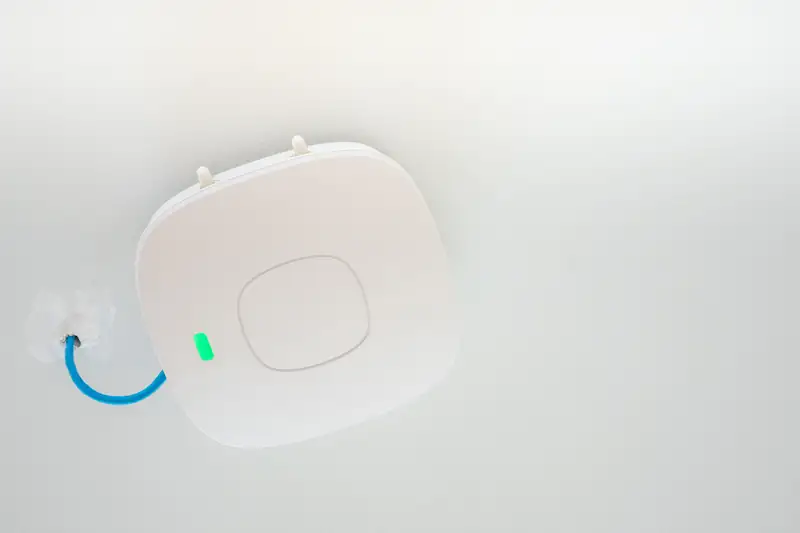
The better way is a set of access points on the ceiling or high on walls, each wired back to the hub, with the rest of the network behind them. This is the approach we describe on our home networking and WiFi page.
Wire first, wireless second
Every access point and every fixed device should get a cable if possible. Cable carries more reliably than the air, and it frees the wireless bands for phones and tablets. Cat6A runs 10-gigabit Ethernet to the full 100 meter channel, while Cat6 is rated for 10 gigabit only over a shorter run, about 37 to 55 meters depending on conditions, according to CommScope and the Category 6 cable reference. Our Cat6 vs Cat6A guide goes through the choice.
If the house is being built, add the runs now using the prewire checklist. If it is finished, we can often route new cable through attics, garages and closets.
Count your devices
Add up what connects: phones, laptops, TVs, streaming boxes, cameras, speakers, thermostats, a control system and guests' devices. The count is higher than most people guess, and each one asks for a bit of the network. Cameras and audio ask for a lot of it. Plan for the devices you will add in a few years too.
Where trouble shows up
Some problems are common enough that we know them by heart.
- Camera feeds that freeze in the evening when everyone is streaming.
- Audio that cuts out when a speaker sits far from the router.
- Keypads or apps for lighting that respond slowly.
- Dead zones in a garage, basement, guest house or patio.
- A router tucked in a metal enclosure or a utility closet.
Outdoors and outbuildings
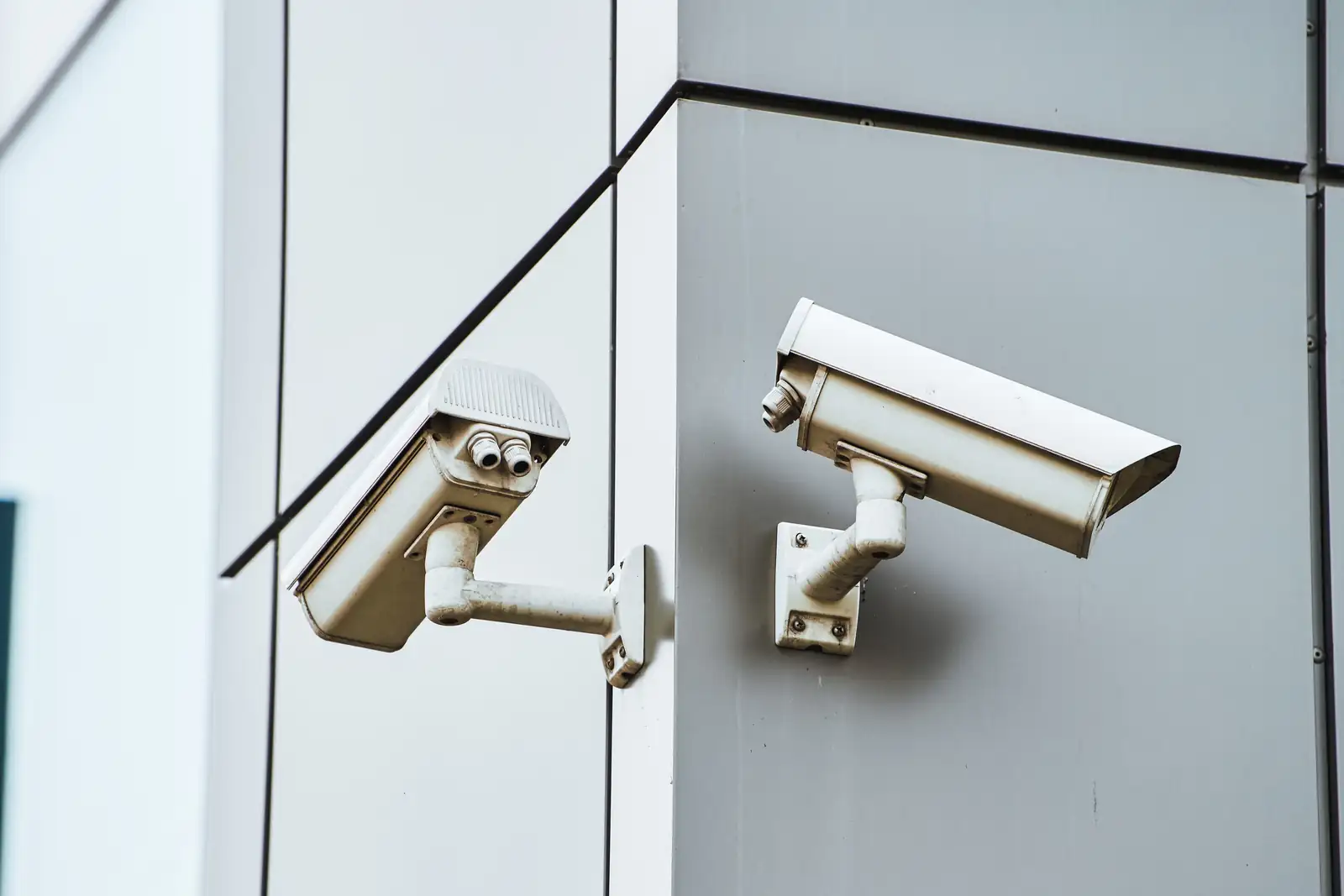
A patio, a shop, a detached garage or a guest house is where WiFi often fails. A cable run or an outdoor-rated access point placed where people actually sit solves what a stronger router in the house cannot. Cameras at the far edge of a property are common candidates for a wired connection with power supplied over the same cable by compatible equipment.
Tell us about every outbuilding and every spot where you want a camera, speaker or keypad, so the cable plan includes them from the start. A short list now saves a second visit later, when running cable costs more effort.
Separate the important devices
Keep security cameras, audio and the control system on a network that is not crowded by every guest and phone. Many network setups can divide traffic this way so a streaming movie does not starve a camera. The details depend on your equipment, which we look at during a visit.
What to bring to a consultation
- A floor plan or a quick sketch of the house.
- A list of the devices you use now and want to add.
- The make and model of your router and modem.
- A note of rooms where the signal is poor.
- Request a free on-site consultation and we will walk it with you.
Network and data cabling is part of our low-voltage work under Nevada State Contractors Board license 0042143. See network and data cabling for more.
Sources (3)
- commscope.com: commscope.com/cat-6a/ (checked November 2026)
- Wikipedia: en.wikipedia.org/wiki/Category_6_cable (checked November 2026)
- law.cornell.edu: law.cornell.edu/regulations/nevada/NAC-624-200 (checked November 2026)