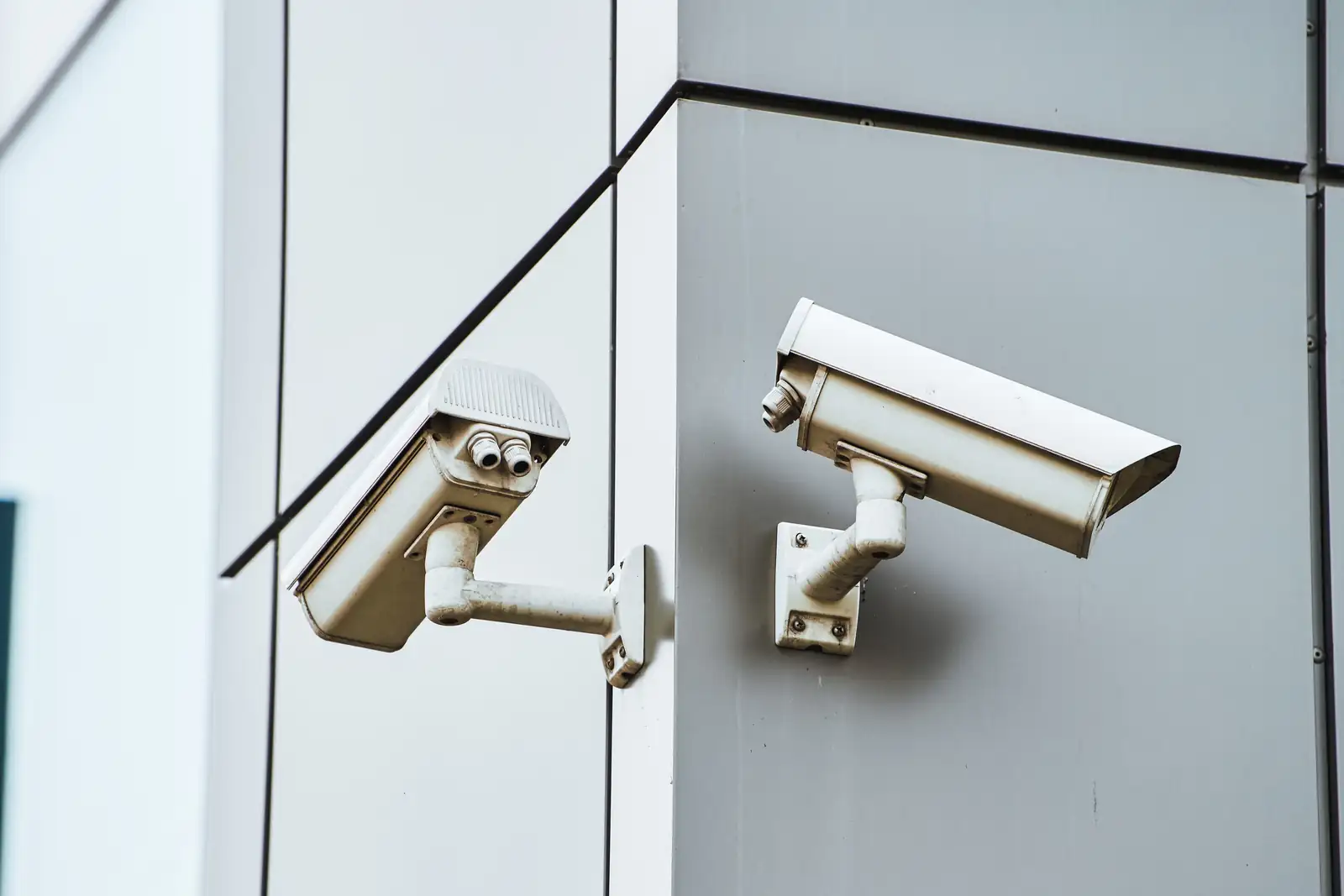
Prewire before drywall: network cable to every room, a central wiring hub, and runs for cameras, security, audio, TV and, if you want it, central vacuum tubing. Adding any of these after the walls close costs more effort than running them when the studs are open.
Key points
- Run the cable while framing is open, before insulation and drywall.
- Pick a wiring hub location first; every run ends there.
- Plan more data drops than you think you need.
- Include exterior spots for cameras, a doorbell and outdoor audio.
- Central vacuum tubing is easiest to place in new construction.
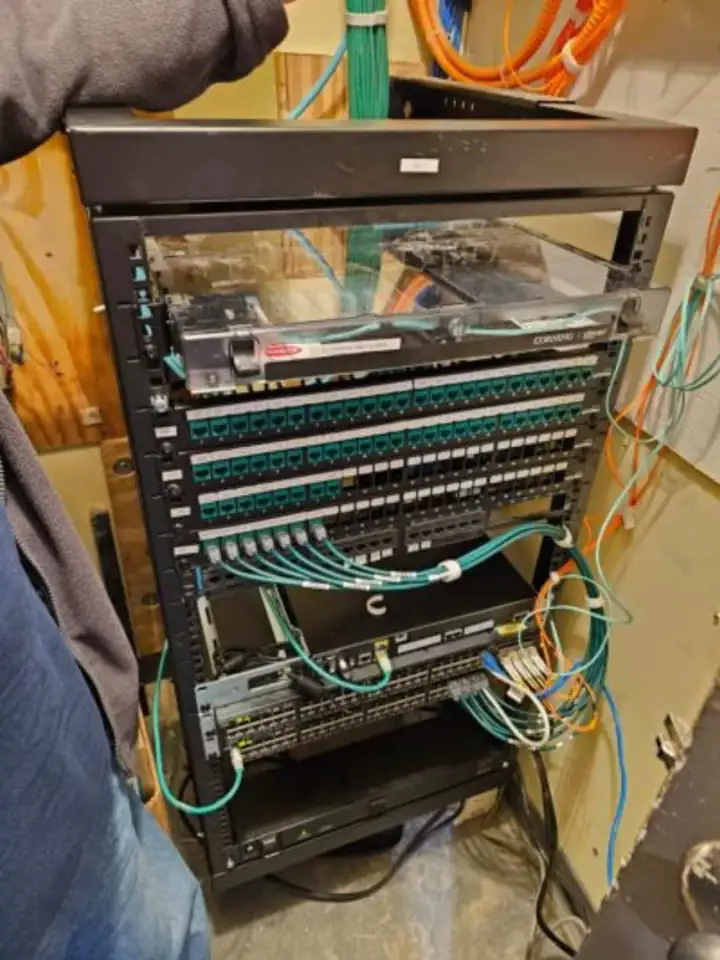
There is a short window in every new house when the walls are open and cable runs are easy. After insulation and drywall, the same run means fishing through finished walls. This checklist goes room by room so you can talk to your builder with a list in hand.
Start with the hub
Every prewire plan ends at one spot: a closet or equipment room where cables meet, network gear sits and power is available. Choose it early and make it large enough for a rack or a wall-mounted panel. Our telecom rooms and racks page describes this hub in detail.
Keep the hub central if you can, and keep it out of a hot attic or a spot that cannot be reached without a ladder. The cabling standard limits a channel to 100 meters, made up of a 90 meter permanent link plus patch cords, so the hub location also decides how far your longest run can be. That figure comes from the TIA-568 family, summarized by CommScope.
Room-by-room list
Use this as a starting point and cross out what you do not need. We can adjust it to your plans during a free on-site consultation.
| Area | Plan for |
|---|---|
| Living room or great room | Data drops, TV location cable, speaker wire, room for a hidden equipment shelf |
| Kitchen | Speaker wire, a data drop, a spot for a tablet or control keypad |
| Primary bedroom | Data drop, TV cable, speaker wire |
| Other bedrooms | One or two data drops each |
| Office | Several data drops, a spot for a router or wireless access point |
| Garage | Data drop, camera run, door keypad location |
| Exterior | Cameras at the entries and the driveway, doorbell, outdoor speakers |
| Ceiling spots | Wireless access points, ceiling speakers, smoke and heat detection planning |
Security, cameras and doors
Decide on door and window contacts, motion detector spots and the keypad location before walls close, because those runs are much easier now. Cameras need cable at every location where you may want one, and a spare run at each corner is low-cost insurance against changing your mind.
Our home alarm systems and home security cameras pages show what typically goes where.
Audio, theater and lighting control
Speaker wire to the rooms where you may want sound, a clear path to the TV, and wall boxes sized for lighting control keypads are all small items now and big items later. If a home theater or whole-house audio is in the plan, the notes in planning whole-home audio go deeper.
We coordinate our cable plan with your builder and the other trades, so the walls are ready for every system we will install later.
Central vacuum
If a central vacuum is on your list, the tubing is run through walls and framing, which is why new construction is the easy time. We hold Nevada State Contractors Board license 0039080 for central vacuum systems. Read more on central vacuum for new construction.
Before the drywall crew arrives
- Confirm the hub location and its size with the builder.
- Walk the framed house with a marked-up plan and match each drop to a wall.
- Check that each run is labeled at both ends.
- Ask for a photo of every wall before it is covered.
- Test and document the runs before insulation if your schedule allows.
Builders can find more on our page for custom home builders.
Sources (4)
- commscope.com: commscope.com/cat-6a/ (checked November 2026)
- law.cornell.edu: law.cornell.edu/regulations/nevada/NAC-624-200 (checked November 2026)
- Nevada State Contractors Board: app.nvcontractorsboard.com/Clients/NVSCB/Public/ContractorLicenseSearch/ContractorLicenseS (checked November 2026)
- Wikipedia: en.wikipedia.org/wiki/Category_6_cable (checked November 2026)