
There is no single right number of days. How long footage lasts depends on the recorder's storage, the number of cameras and the recording settings, so plan for as many days as you realistically need to notice a problem and pull a clip. Anything involved in an incident should be saved right away.
Key points
- Storage, camera count, video quality and recording mode set how many days you keep.
- Motion-triggered recording stretches storage; continuous recording uses more.
- Match retention to how quickly you would notice an event.
- Save and copy a clip immediately after an incident.
- We found no Nevada rule that sets a retention period for home cameras.
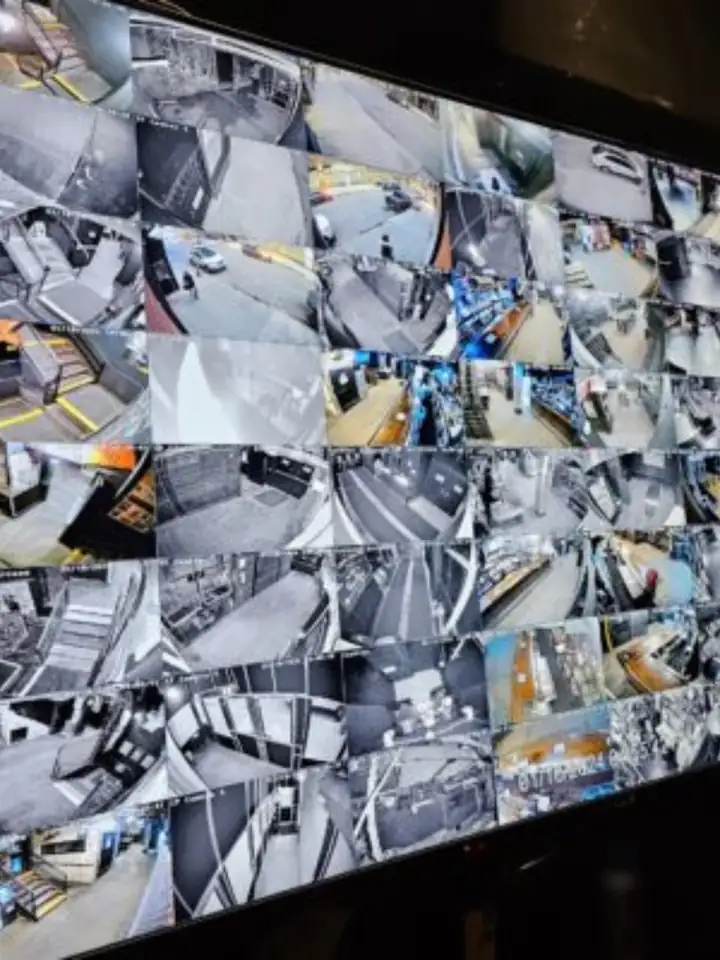
Camera systems record over their oldest footage once the storage fills up, so retention is decided when the system is designed, not when something goes wrong. The question to ask is how long it might take you to discover an event. A home you visit daily and a vacation cabin you open twice a month need very different settings.
What actually decides retention
A recorder is a hard drive that fills up. When it is full, the oldest video is overwritten. The number of days you get comes from four things working together.
- Storage size. A larger drive holds more days.
- Number of cameras. Every camera writes video, so more cameras shorten the window.
- Video quality. Higher resolution and frame rate make bigger files.
- Recording mode. Continuous recording writes all the time; motion-triggered recording only writes when something moves.
We size storage for the system we design rather than quoting a number in the abstract, since an estimate without your camera count would be a guess. Our video surveillance work includes DVRs, video management software and long-term data storage, so retention can be planned for the way you use the property.
Matching retention to your situation
| Situation | What to think about |
|---|---|
| Full-time home | You will notice problems within a day or two; moderate storage is usually enough |
| Home you travel from | Plan for the longest trip you take, plus a margin |
| Second home or cabin | Visits can be weeks apart, so storage and motion recording matter most; in Incline Village, 42% of housing units are seasonal homes |
| Small business | Plan for weekends and holidays when nobody checks footage |
| Property with tenants | Think about how long a complaint or claim may take to be raised |
Our guide to securing a Lake Tahoe second home covers the long-gap case in detail.
Motion recording and alerts
Motion-triggered recording extends your storage because quiet hours do not write anything. The trade-off is that a camera might miss the first seconds before motion trips it, and bad settings can produce clips for every passing shadow. Good placement and sensible zones help, and our camera placement guide covers where to aim.
Alerts to your phone let you act on a clip while it is still fresh. If you cannot view your system remotely, you are relying on whatever is on the recorder when you return. See remote viewing setup.
When something happens
- Do not wait: save the clip from the recorder or app as soon as you know about the event, before it is overwritten.
- Note the camera name, date and time so you can find the right part again.
- Copy the file to a second place, such as a USB drive or a cloud folder.
- Give police the clip and report number if you have one, and keep the original untouched.
- Tell your insurer if there is a claim, and ask what format they want.
Privacy and the law
We did not find a Nevada rule that sets a retention period for a home camera. What the law does address is what you record. NRS 200.604 makes it a crime to capture images of a person's intimate body areas without consent where they expect privacy, and recording sound can fall under NRS 200.620 and 200.650. Our guide to Nevada camera and recording laws sets this out. This is general information, not legal advice, and a lawyer can address your case.
Footage is personal data. Keep your recorder behind a strong password, turn off any default accounts and share clips only with the people who need them.
Upgrading when storage runs short
If your system only keeps a few days, the fix may be a larger drive, lower frame rates on quiet cameras or motion recording rather than a new system. Our camera system upgrades and repair page covers those changes.
Sources (3)
- Nevada Legislature: leg.state.nv.us/NRS/NRS-200.html#NRS200Sec604 (checked November 2026)
- Nevada Legislature: leg.state.nv.us/NRS/NRS-200.html#NRS200Sec620 (checked November 2026)
- U.S. Census Bureau: data.census.gov/table/ACSDT5Y2024.B25004?g=160XX00US3235100 (checked November 2026)